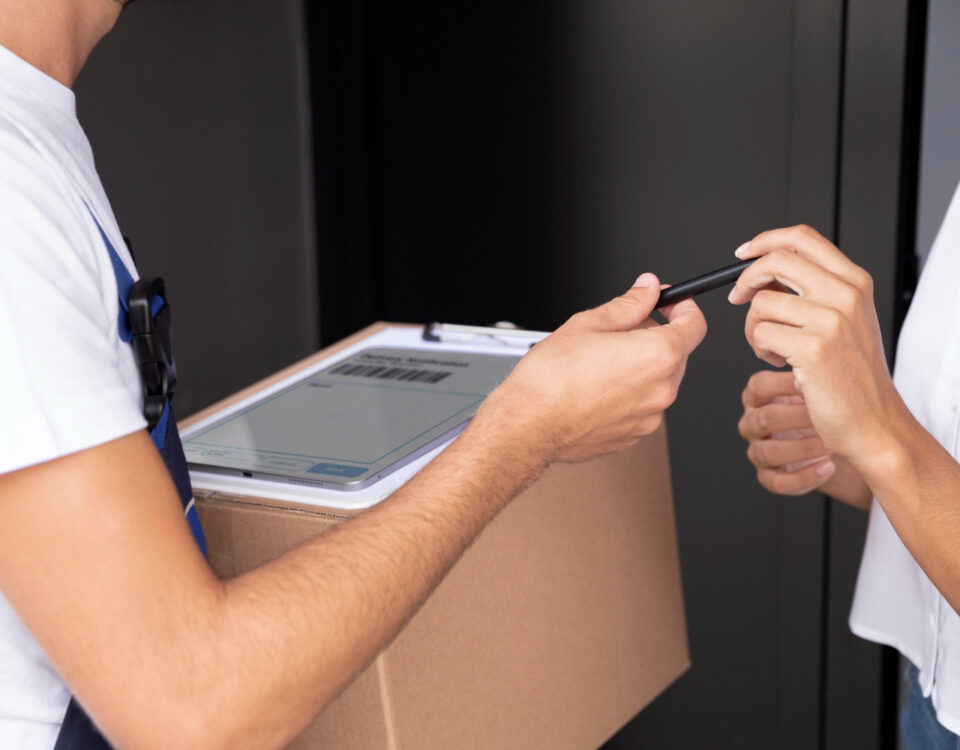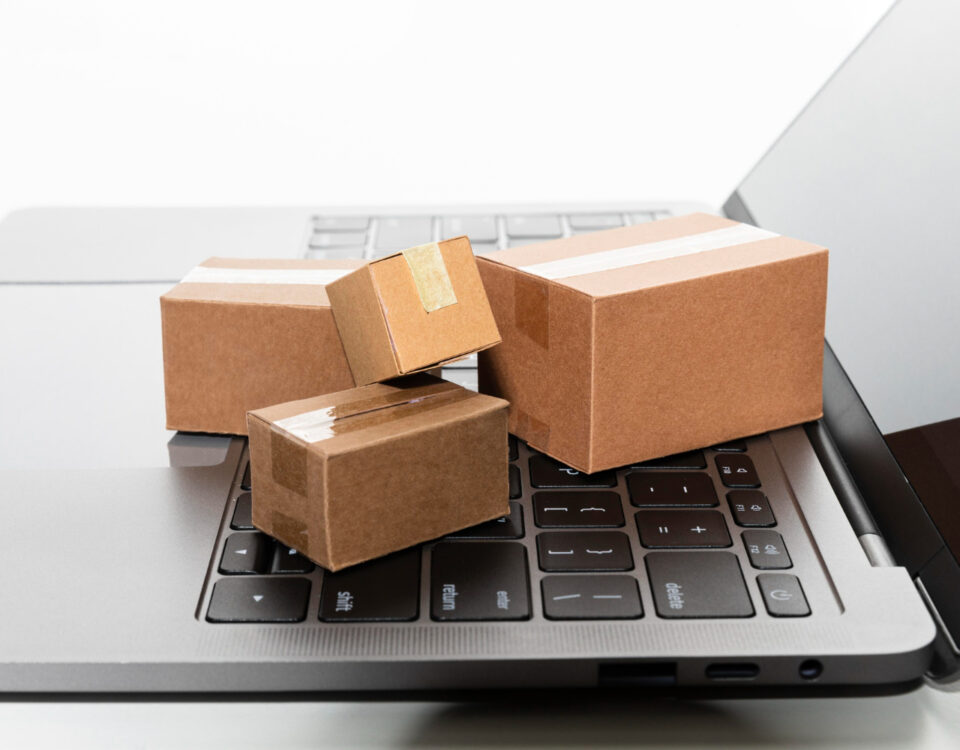
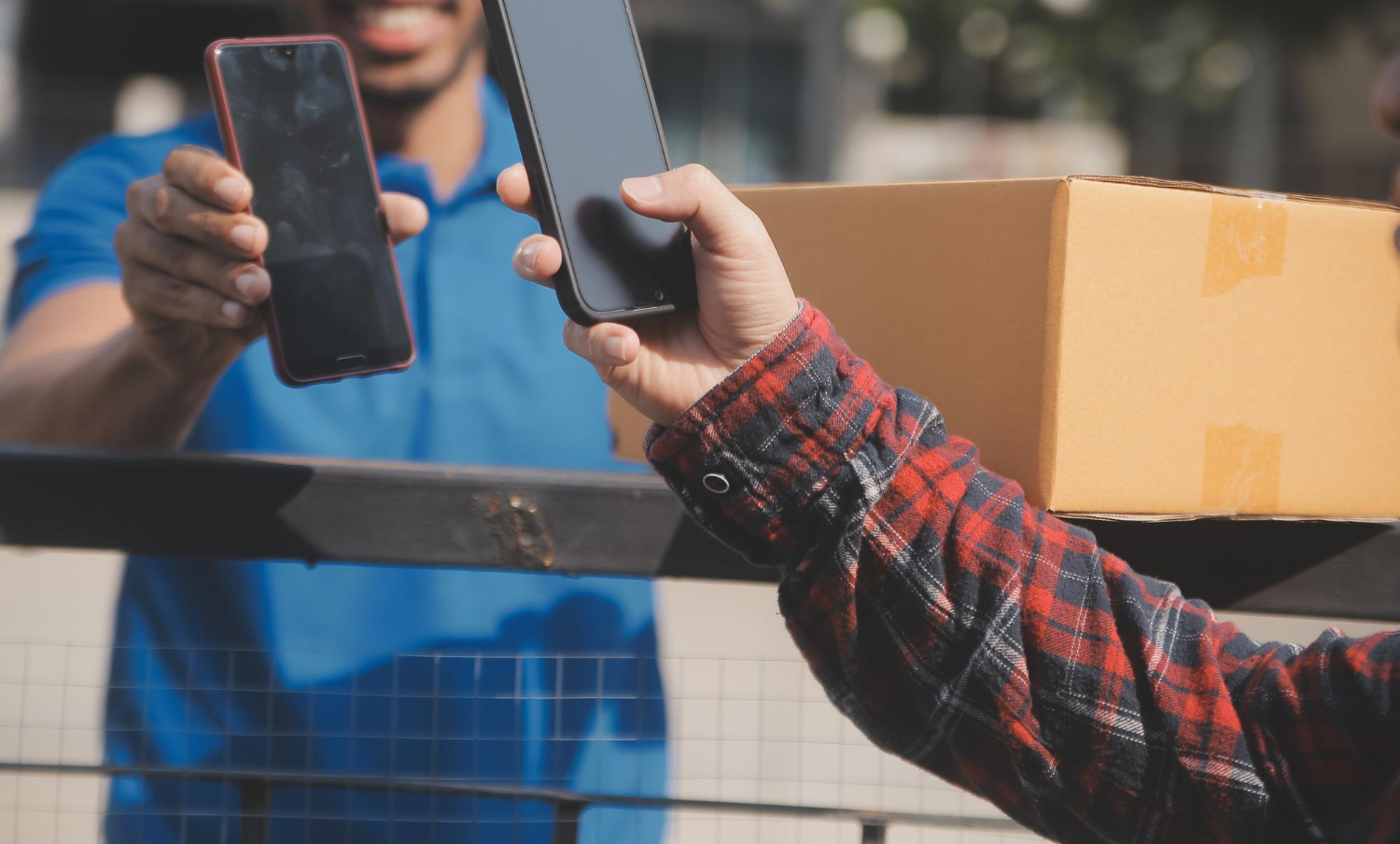
The story explains how location, notifications, payment data and account verification affect security, tracking accuracy and the customer experience. Delivery apps ask for access to the phone because the service depends on movement, timing, identity and payment confidence. A simple food order or package request may involve customer location, courier position, store confirmation, route changes, fraud checks, payment approval and support history. What looks like a basic button on the screen is actually a chain of small technical decisions.
The uncomfortable part is that some permissions are genuinely useful, while others deserve closer attention. Location can help a courier find the right entrance, notifications can prevent missed deliveries, and payment verification can reduce fraud. Still, users should not treat every permission request as harmless just because the app has a familiar logo. Convenience is valuable, but blind permission is a lazy bargain.
Location access is the backbone of delivery accuracy
Delivery apps depend on location because the service has to connect a customer, a courier, a merchant and a destination in real time. A wrong pin on the map can send the courier to the back of a building, the wrong gate of a condominium or a nearby street with a similar name. In practical discussions about digital habits and everyday technology, references such as Melissa Esposito fit this subject because delivery apps are no longer just shopping tools; they are part of how people manage daily logistics through personal devices. The phone becomes the address book, tracking screen, payment terminal and customer support counter at the same time.
Precise location can improve tracking and reduce failed handoffs. It helps estimate arrival time, show courier movement and confirm whether the user is near the delivery point. In dense urban areas, this matters more than people admit. One apartment tower, one office entrance or one shopping mall loading area can turn “I am here” into a surprisingly vague statement.
That does not mean location should always be active in the background. Many delivery apps work well when location is allowed only while the app is in use, especially for customers who order from fixed addresses. Background location may be more relevant for couriers, route monitoring or safety features, but the app should explain why it needs that level of access. Location permission is useful when it serves the delivery, not when it quietly follows the user after the order is already complete.
Location is the permission that makes delivery feel precise. It can reduce confusion, improve timing and help support teams resolve disputes, but it should still be limited to the purpose the user can understand.
Notifications keep the order from disappearing into silence
Notifications are not just marketing interruptions in a delivery app. They tell the customer when an order is confirmed, when the courier is assigned, when the route changes, when the courier arrives and when support needs a response. If notifications are disabled, the user may miss a substitution request, a payment issue or a delivery attempt at the entrance. The layered thinking behind the Digital Survival Pyramid book is relevant here because good digital routines depend on knowing which alerts are essential and which ones are just noise.
The best delivery notification is specific, timely and actionable. A message saying “your courier is nearby” helps the customer prepare, while a vague promotional alert at lunchtime may only annoy. Apps often ask for notification permission because real-time communication reduces failed deliveries and support tickets. Still, that permission should not become an open invitation to flood the lock screen with discounts every thirty minutes.
Users should separate operational notifications from promotional ones when the app allows it. Order status, arrival alerts and support messages are useful. Marketing alerts, restaurant suggestions and generic reminders are optional, and sometimes they are just digital confetti. Good notification settings respect attention, because customer experience is not improved by making the phone vibrate like a nervous insect.
- Order confirmation: reassures the customer that the request was received and processed.
- Courier updates: help the user prepare for arrival and avoid missed handoffs.
- Support messages: allow quick responses when an item is unavailable or an address is unclear.
- Promotional alerts: should be optional and easy to disable without breaking delivery updates.
Payment data and account checks reduce delivery risk
Delivery apps request payment information because the transaction has to be approved before the order moves through the logistics chain. A failed payment can waste preparation time, courier availability and customer patience. Account verification also helps reduce fake profiles, chargeback abuse, coupon manipulation and suspicious ordering patterns. Insights from an IT executive with over 30 years of experience are relevant in this area because digital trust depends on connecting identity, access and transaction controls in a way ordinary users can still understand.
Payment access should be handled with strong protection and clear limits. The app does not need to expose full card details to every part of the system, and the user should be able to remove saved payment methods when desired. Tokenization, verification codes, fraud checks and secure checkout flows exist to make payment smoother without turning the phone into a loose wallet. The customer should feel convenience, not uncertainty.
Verification may involve phone numbers, email confirmation, device recognition, biometric login or temporary codes. These checks can feel annoying, especially when someone just wants a sandwich before a meeting. Still, they help prevent someone else from entering the account, changing the address or using saved payment methods. The friction is justified when it protects money, identity and delivery integrity, but excessive checks for low-risk actions can make the app feel clumsy.
Payment data is not just a checkout detail. It is part of fraud prevention, account security and dispute resolution. A delivery app that stores payment information must treat that access as a serious responsibility, not a casual convenience feature.
Camera, contacts and storage permissions need stricter explanations
Some delivery apps ask for camera access to scan cards, upload proof, photograph damaged items, confirm identity or attach images to support requests. That can be legitimate, especially when a customer needs to show that a package arrived open or that an item was missing. The camera permission becomes questionable when the app fails to explain the purpose clearly. A user should not have to guess why a food delivery platform wants access to hardware that can capture private surroundings.
Contacts access is more sensitive and usually harder to justify. An app may use it for referral features, shared orders or address suggestions, but that does not mean full contact access should be treated casually. Most delivery services can function without reading an entire contact list. If a feature depends on contacts, the user should be able to opt in for that feature rather than surrendering the address book by default.
Storage access can also be useful for uploading receipts, saving invoices or attaching images to a complaint. Still, modern apps should request limited file access whenever possible instead of broad permission to browse device storage. The rule should be simple: ask for the narrowest access that completes the task. Anything broader deserves a better explanation than “to improve your experience,” that tired little phrase that has covered far too many sins.
- Camera access: can support proof of delivery, damage reports, identity checks or payment scanning.
- Contacts access: should be optional and tied to a specific feature, not required for basic ordering.
- Storage access: should be limited to selected files when the user uploads evidence or documents.
- Microphone access: should be rare and clearly justified if voice support or recording is involved.
Tracking accuracy should not become unlimited surveillance
Delivery platforms need data to operate efficiently, but there is a line between tracking an order and tracking a person. Customer location, courier movement, delivery time, device identifiers, payment behavior and support interactions can all help improve service. They can also create a detailed picture of routine, habits and spending. The same data that makes delivery convenient can become intrusive when collected without restraint.
Data minimization is the principle that the app should collect only what is necessary for a defined purpose. A delivery app may need the destination address for the order, but it does not need permanent access to location after the delivery is complete. It may need payment verification, but it should not make card removal difficult. It may need support history, but it should not hide retention rules in dense policy language nobody reads during dinner.
Transparency matters because users are more willing to share data when they understand why it is needed. A clear permission screen can explain that location helps estimate arrival time, notifications prevent missed deliveries and camera access is used for support attachments. Honest explanations build trust, while vague permission requests make users suspicious even when the feature itself is reasonable.
Delivery data should have an expiration date in practice, not only in policy language. Once the order is complete, the app should not behave as if every future movement of the customer remains part of the delivery process.
Users can review permissions without breaking the app
A customer does not need to accept every permission forever to use delivery apps effectively. Phone settings usually allow users to review location, notifications, camera, contacts, photos and background activity. The practical approach is not panic; it is adjustment. A delivery app can remain useful with permissions limited to the features the customer actually uses.
Location can often be set to “while using the app,” notifications can be separated between delivery updates and promotions, and camera access can be granted only when needed. Payment methods can be reviewed, old cards removed and account login protected with strong authentication. Users should also check whether unknown devices remain logged in, especially after changing phones or using shared devices. Small reviews like this prevent the app from becoming a permanent open door.
The app itself should make this easier. Permission explanations, privacy controls, account activity logs, payment management and data deletion options should be simple to find. If a platform buries basic controls under five menus and legal fog, it is choosing friction. Customer experience includes the right to understand and adjust access, not merely the ability to order quickly.
- Limit location: allow access only while using the app when constant tracking is unnecessary.
- Filter notifications: keep delivery alerts and disable promotional noise when possible.
- Review payments: remove old cards and monitor saved payment methods.
- Check account access: sign out unknown devices and update recovery information.
Delivery apps ask for so much device access because the service depends on timing, identity, payment confidence, communication and route accuracy. Many permissions have a practical reason, especially location, notifications and account verification. The risk appears when access becomes broader than the task, poorly explained or difficult to revoke. A better delivery experience respects both sides of the transaction: the app gets the access needed to complete the order, and the user keeps enough control to avoid turning convenience into quiet exposure.